How to Build Your First Product Line in KNOWRON

Arturo Buitrago Méndez

4

mins read

Subscribe to Newsletter

Introduction

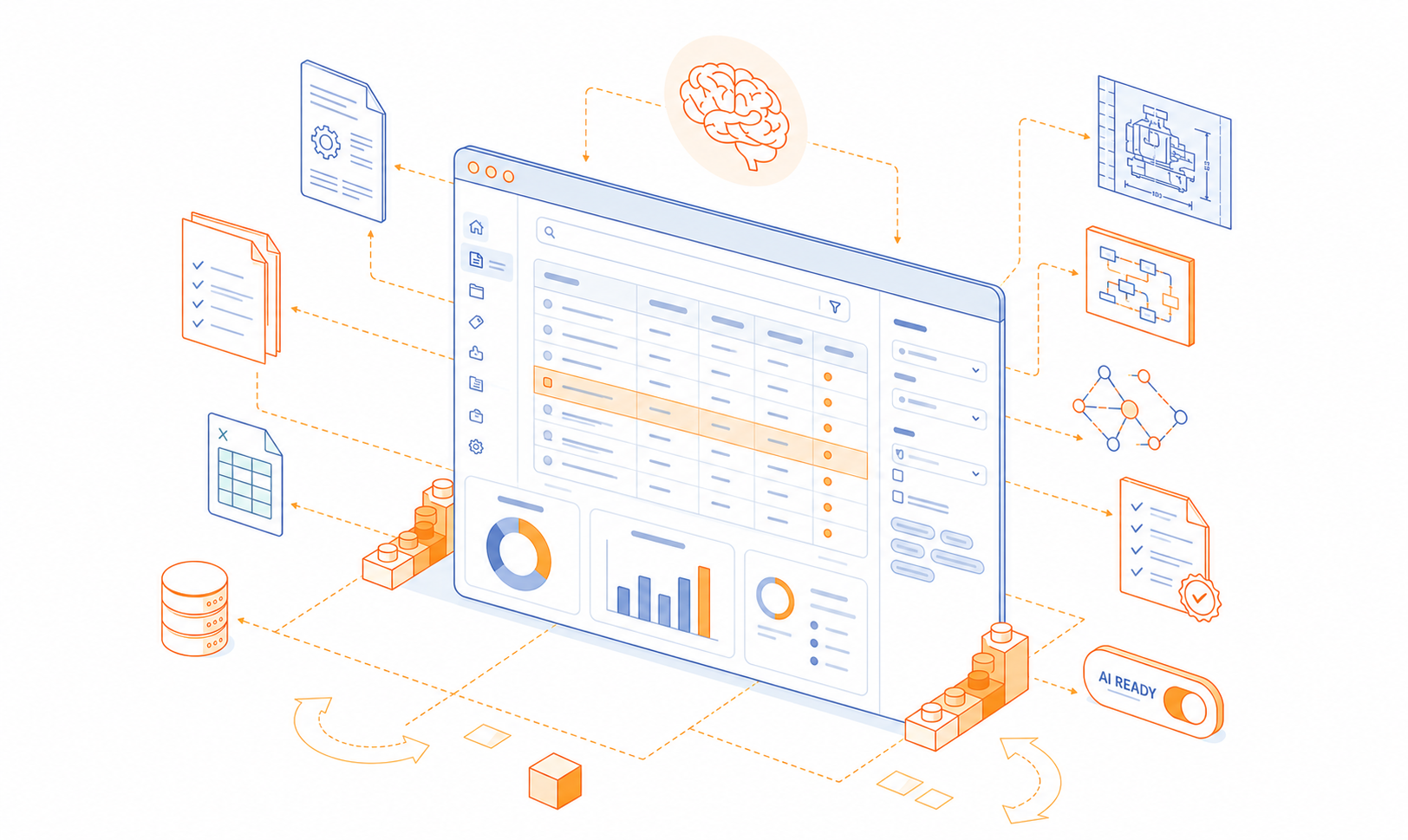
When you start your 14-day KNOWRON trial, the first step to unlocking value is building the foundation of your digital knowledge base. That foundation is made up of product lines and documents.

In this guide, we’ll walk you through setting up your first product line, uploading documents, and seeing how KNOWRON processes your data in just a few minutes.

‍

Step 1: Explore the Demo Products

When you first log in, you’ll see a demo product line. This setup is there to give you a quick sense of how product information is structured in KNOWRON.

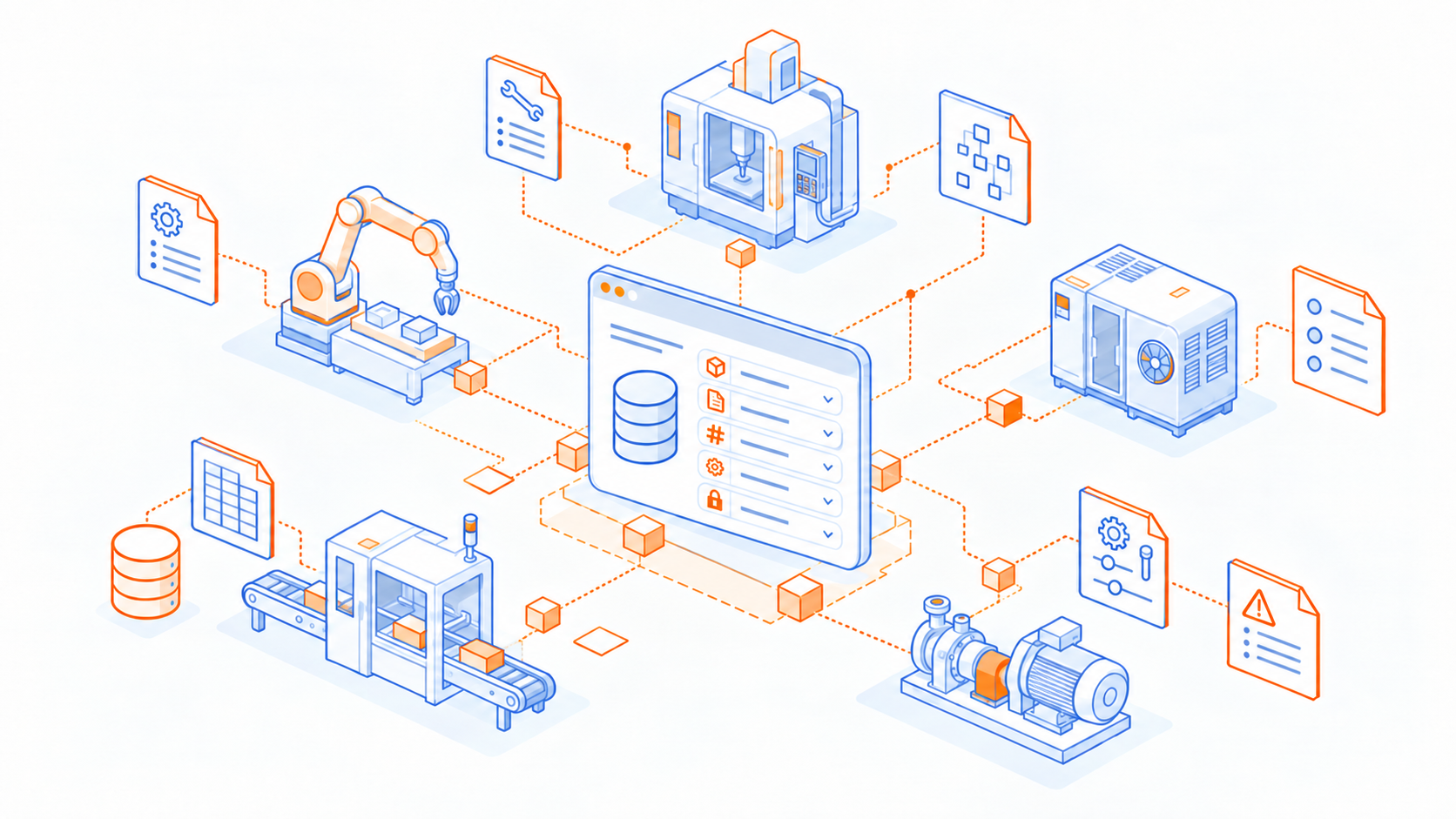
Think of a product line as a family of machines or assets — not just a single piece of equipment. This structure makes it easier to organize knowledge across variations of the same type of product.

Screenshot of the initial demo product setup.

‍

Step 2: Create Your Own Product Line

Now it’s time to add your own data.

  1. Navigate to the Product Overview page.
  2. Click Add Product Line.
  3. Name your product line (e.g., “MPC Series Pumps”).
  4. Add an image — technicians absorb visual information faster than text, and images help them quickly recognize the right product in the field.

👉 Best practice: always upload at least one image per product line to support technicians in real-world conditions.

Screenshot of the “Add Product Line” UI

‍

Step 3: Upload Your Documents

Once your product line is created, move over to the Documents section. Here’s where you can bring your existing manuals, guides, and checklists into KNOWRON.

  • Drag and drop an entire folder, or upload individual files.
  • KNOWRON automatically starts processing them:
    • Detects the document type (manual, scanned image, PDF, etc.)
    • Runs OCR (optical character recognition) on scanned files
    • Splits long PDFs into smaller, searchable chunks

Within a few minutes, your data is transformed into structured, searchable knowledge.

Drag & drop folder/files into the Documents section.

‍

‍

Step 4: What Happens Behind the Scenes

During your trial, KNOWRON uses the default onboarding pipeline. It covers the essentials: OCR, PDF chunking, and basic document classification.

In premium tiers, advanced pipelines are available. These can extract metadata (e.g., part numbers, categories, tags) and provide more granular search options. For now, the trial gives you a streamlined way to start interacting with your data immediately.

‍

‍

‍

Step 5: Next Steps — Get Ready to Interact

Once your product lines and documents are set up, you’re ready for the next step: interacting with your knowledge.

In the next guide, we’ll show you how to use KNOWRON’s Assistant and Search — and why both modes bring unique value to your organization.

‍

Arturo Buitrago Méndez

CPO & Co-Founder

About the author

Arturo is CPO and Co-Founder of KNOWRON and has been working with Machine Learning and Natural Language Processing for many years. At prestigious institutions such as TU Munich and CDTM, he conducted research at the intersection of AI technology and practical application. His focus is always on delivering real customer value, with user feedback serving as the key driver of innovation.

Articles you may also like

Insights

Why you should care about metadata if you want to successfully roll out Enterprise AI

AI can only deliver the right document if it knows which machine, revision and audience that document belongs to. In most industrial companies, this knowledge lives in people's heads, filenames and scattered systems, not in structured metadata. Tagging it all by hand doesn't scale. In this article I share what we have learned over five years at KNOWRON about building a metadata foundation that makes industrial AI work, and keeps working.

Ali Kareem Raja

5

mins read

Guides

How to Optimize your Technical Documentation for AI

Your documentation is made for humans, not for AI. This is one of the main reasons why launching All-Purpose AI (like CoPilot or ChatGPT) today fails most of the time in the industrial enterprise context. The models lack the specific context knowledge to work well. In this article I will share some of our best practices that we found to be essential in the process of successfully rolling out KNOWRON for SME and DAX companies over the last five years.

Arturo Buitrago Méndez

7

mins read

Product

Introducing the KNOWRON App 2.0

At KNOWRON, we believe that field service, maintenance and asset management should be simple, focused and built around you, the user who’s deep in the details. The KNOWRON App 2.0: a major redesign of our mobile assistant experience, tailored to present your machines, knowledge and support in one streamlined flow.

Arturo Buitrago Méndez

4

mins read

Get the know-how

Fastest way to learn about AI tech trends and to create powerful product documentation that is accessible in seconds.

Get one email per month. No fluff, no spam - we promise.

Thank you! Your submission has been received!
Oops! Something went wrong while submitting the form.

Want receive the best maketing insights? Subscribe now!

Lorem ipsum dolor sit amet, consectetur adipiscing elit. Massa adipiscing in at orci semper. Urna, urna.

Thanks for joining our newsletter.
Oops! Something went wrong.

We are on a mission to change how blue-collar work happens in industrial economies worldwide fundamentally. We believe, we can counteract skilled worker shortage and demographic change by boosting the productivity of every worker.

Copyright 2024 © KNOWRON | Made with 🥨 in Munich